
Your website's sales agent, in your pocket
AutoTill puts Tyson, your website's AI sales agent, on your Android phone. Get an alert the moment a visitor starts a live conversation, read it as it happens, and step in with a personal reply when a sale or a qualified lead is on the line. Everything you see is the same workspace you already use on the web, so nothing needs setting up twice.

Free · Android 7.0 or later · Phones and tablets
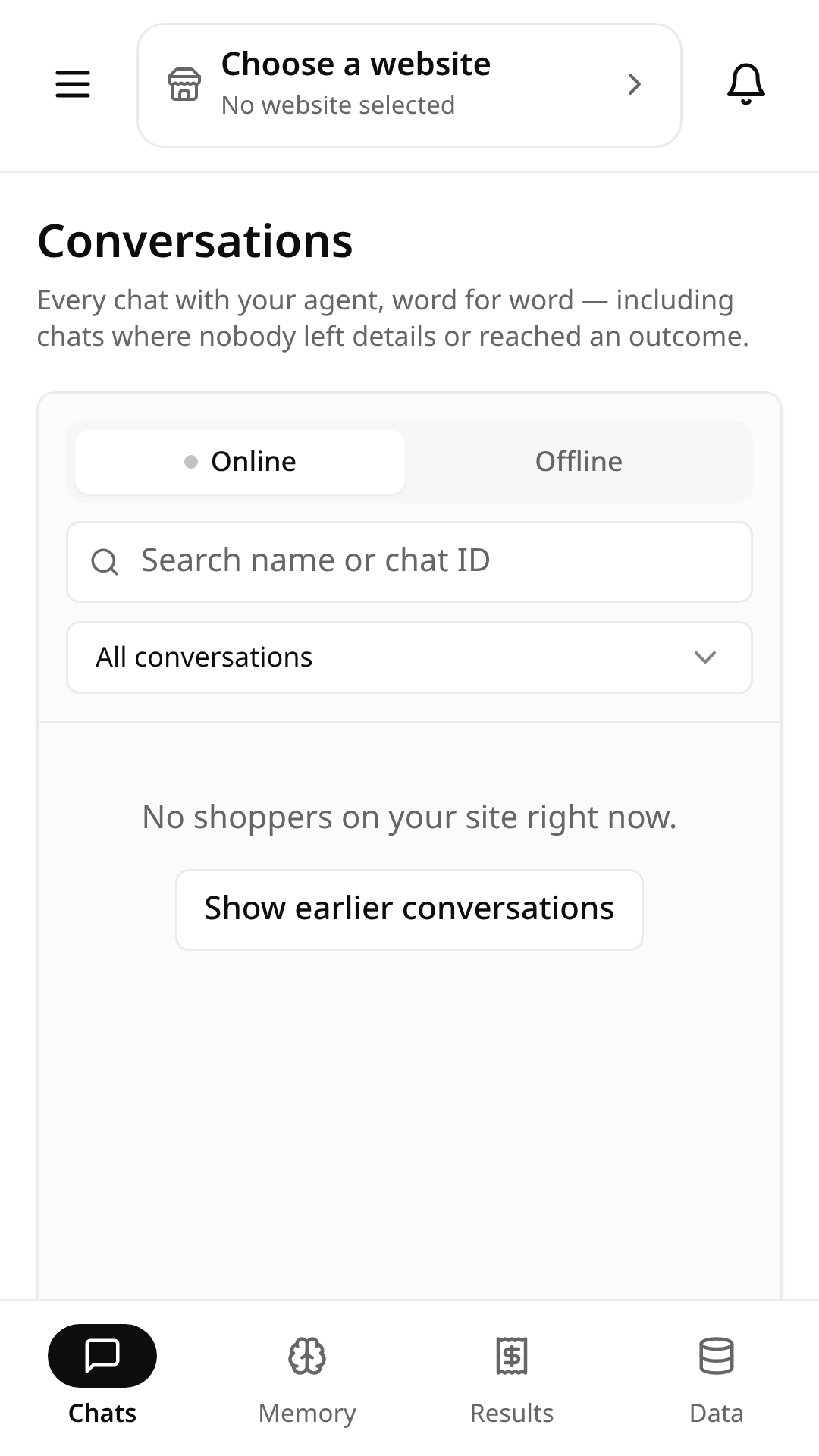
Every conversation, as it happens
See which visitors are talking to Tyson right now and which conversations finished earlier. Online visitors are marked clearly, so you know who is still on your website and worth a reply.
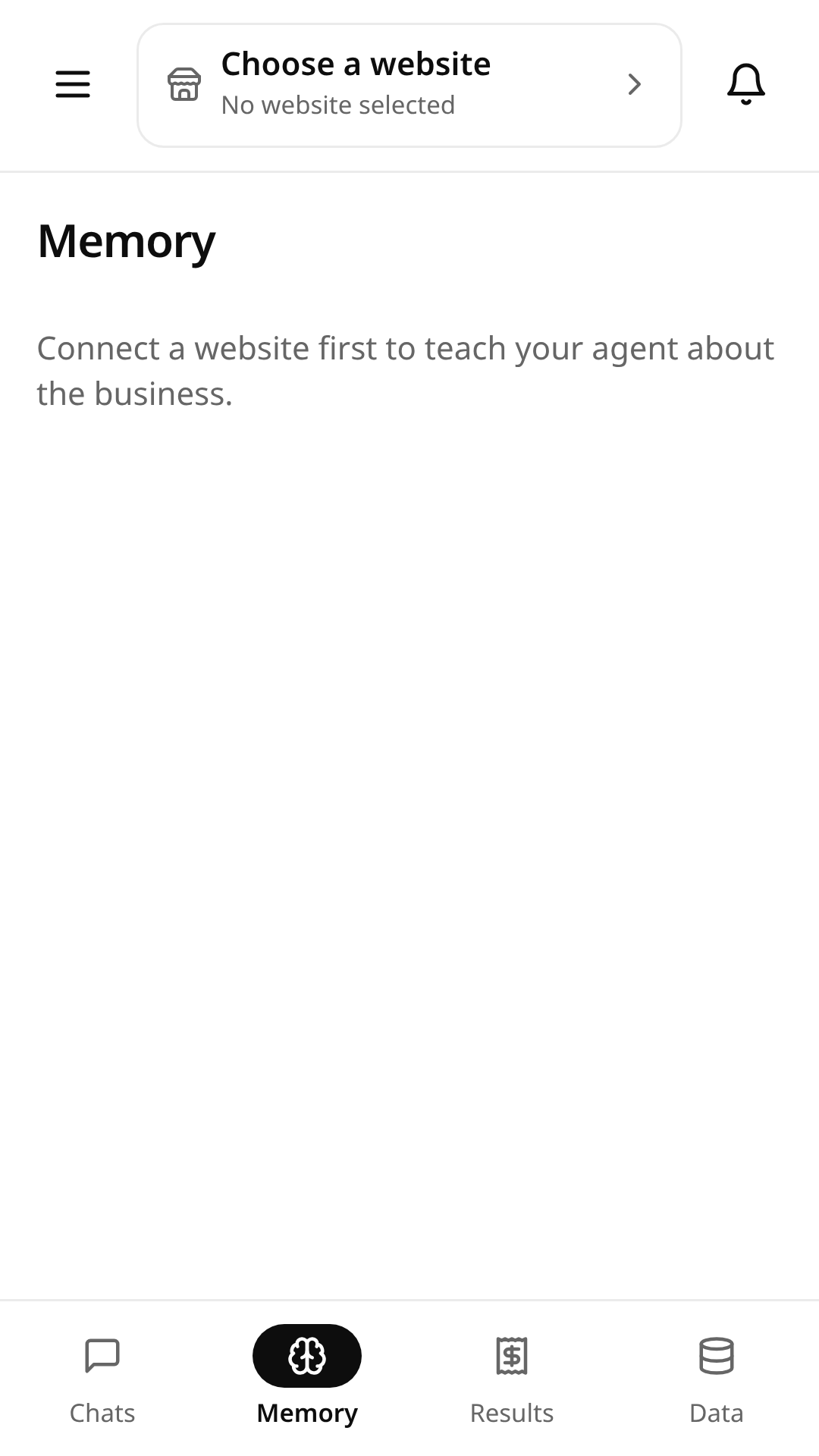
Step in when it matters
Open any conversation to read the full transcript, the products Tyson recommended and the basket being built. Take over with one tap and reply as yourself; hand back to Tyson when you are done.
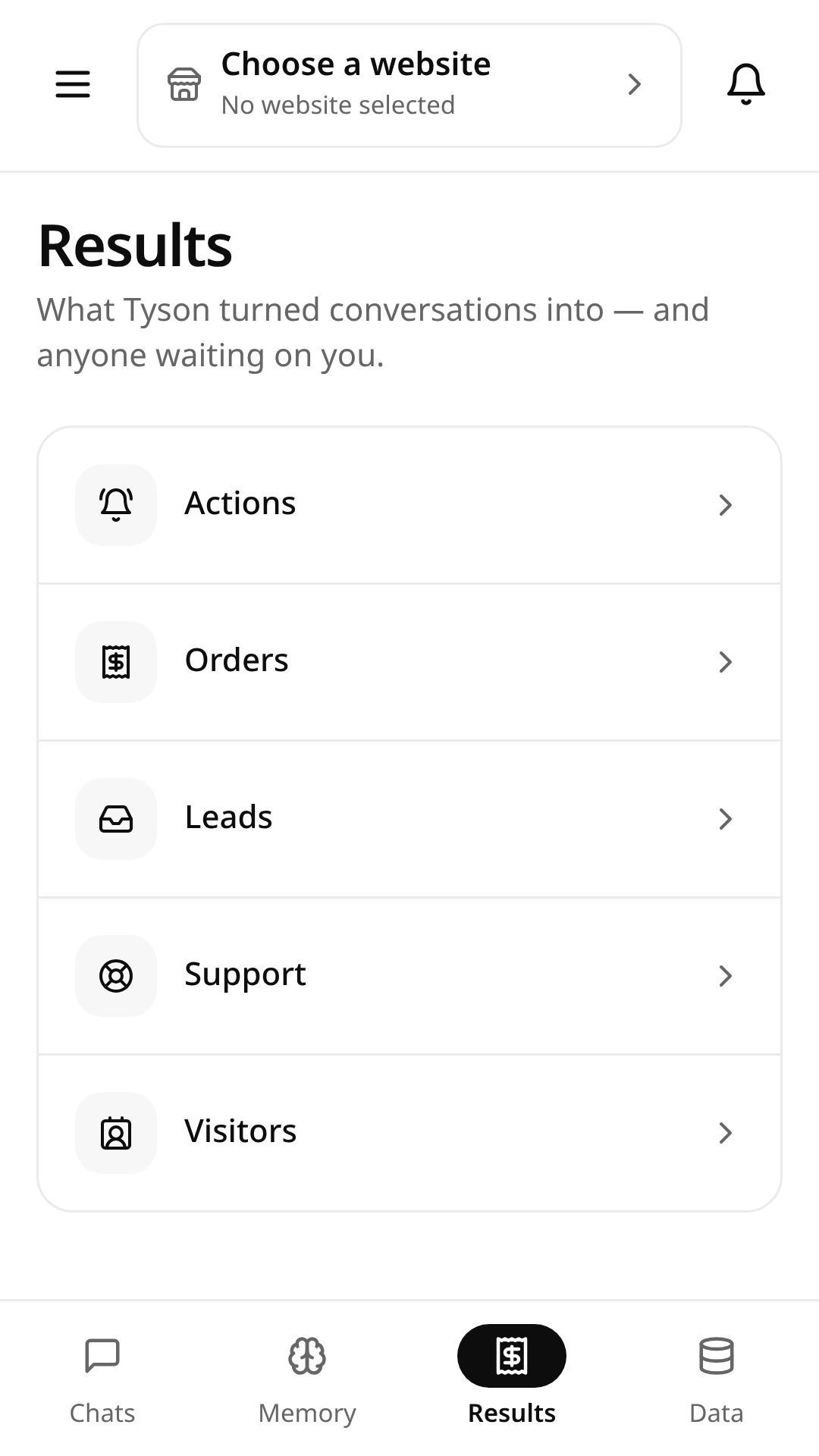
Results you can trust
Follow orders Tyson helped complete, leads captured and support handled. Every outcome links back to the conversation that created it, so the numbers are never guesswork.
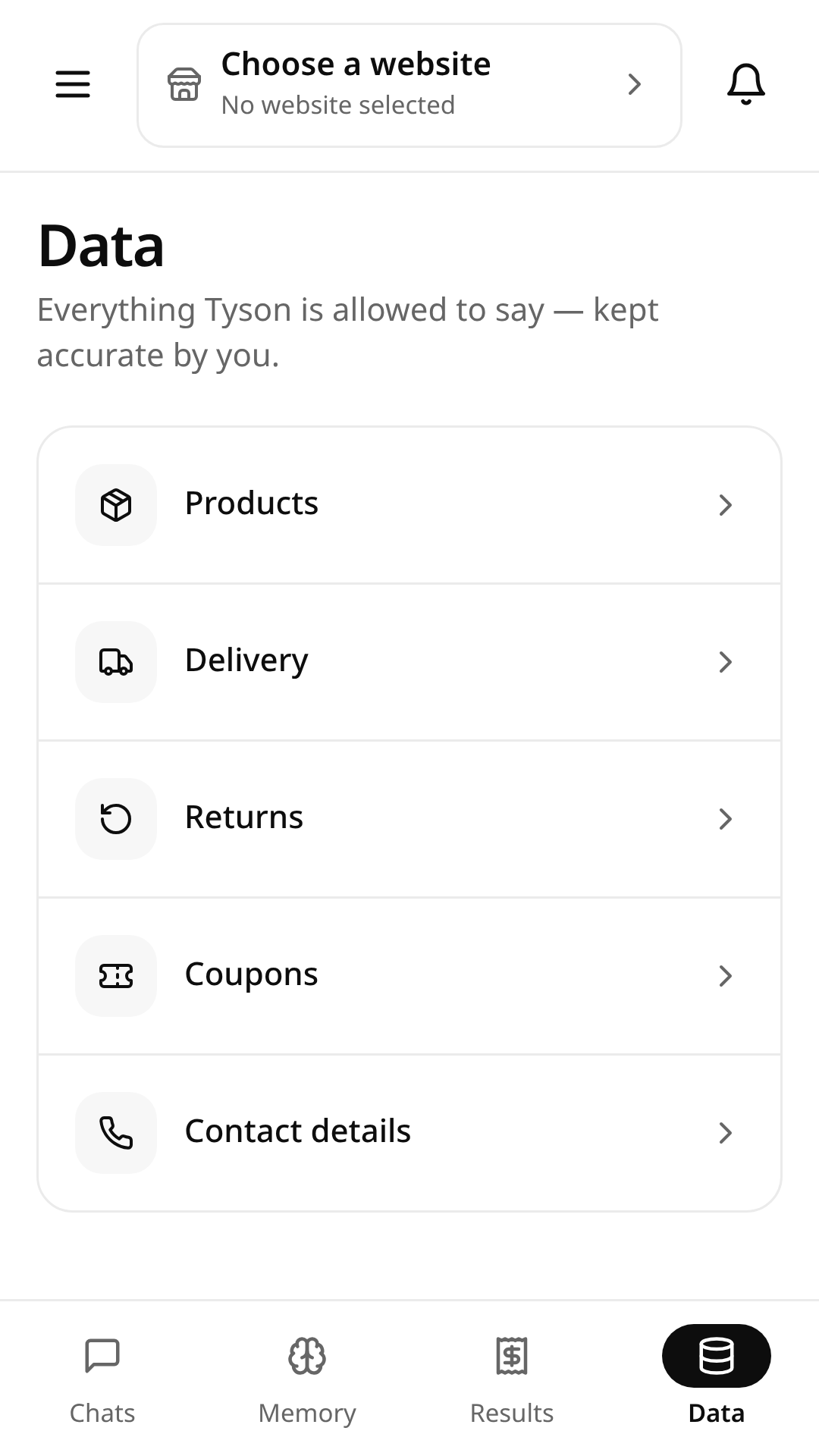
Your catalogue and knowledge
Check the products, pages and Memory notes Tyson answers from. If a customer asks something new, you can see what Tyson knows and what is missing.
Alerts that open the right chat
Live conversation started
A visitor has started talking to Tyson on your website.
Visitor asked for a person
Someone wants a human reply. Tap to open the chat.
New lead captured
Name, email and what they need, straight to your phone.
Order completed
A purchase Tyson helped with has gone through checkout.
Tapping an alert opens the conversation straight away. Clients choose alerts per phone and get every live chat by default. Agencies start with none and switch on only the clients they want, so a hundred websites never means a hundred alerts. You can turn alerts off at any time in App settings.
Private and secure
- Biometric lock with a PIN fallback, so only you can open the app.
- Only the permissions it needs: notifications, biometrics and vibration. No contacts, location or camera access.
- Nothing is sent to a customer without you. Tyson follows the same rules as on your website, and takeover replies are yours.
One account, web and phone
Sign in with your existing AutoTill account. Your workspaces, team, Tyson settings and billing are the same as on the web. Agencies can switch between client workspaces from the menu. New to AutoTill? Start free on the web with 100 free credits, then install the app.
Questions
Is the AutoTill Android app free?
Yes. The app is free on Google Play. It uses your existing AutoTill account, which starts with 100 free credits.
Does the app replace the web dashboard?
No. The app is for watching conversations, stepping in, getting alerts and checking results on the go. Setup, billing and detailed settings stay on the web dashboard at autotill.com.
Which Android versions are supported?
Android 7.0 or later, on phones and tablets.
Does it work for agencies with many clients?
Yes. Agencies can switch between client workspaces, and alerts are off by default so you choose exactly which clients alert your phone.
Is my data safe on my phone?
The app can be locked with your fingerprint or face, falls back to a PIN, and asks only for notification, biometric and vibration permissions. You can delete your account at any time from autotill.com/delete-account.