Capability · Sell products
Turn product questions into completed orders.
With selling switched on, Tyson works like your best shop assistant: he asks what the shopper needs, recommends from your synced catalogue, builds the basket and hands over to your own checkout.
Built for: Online shops · Personalised and made-to-order products · Parts and technical products · Retailers with large catalogues
Tyson
Sell products
I need a gift for a runner, under £60.
These two are popular with runners and both under £60.
Recommended
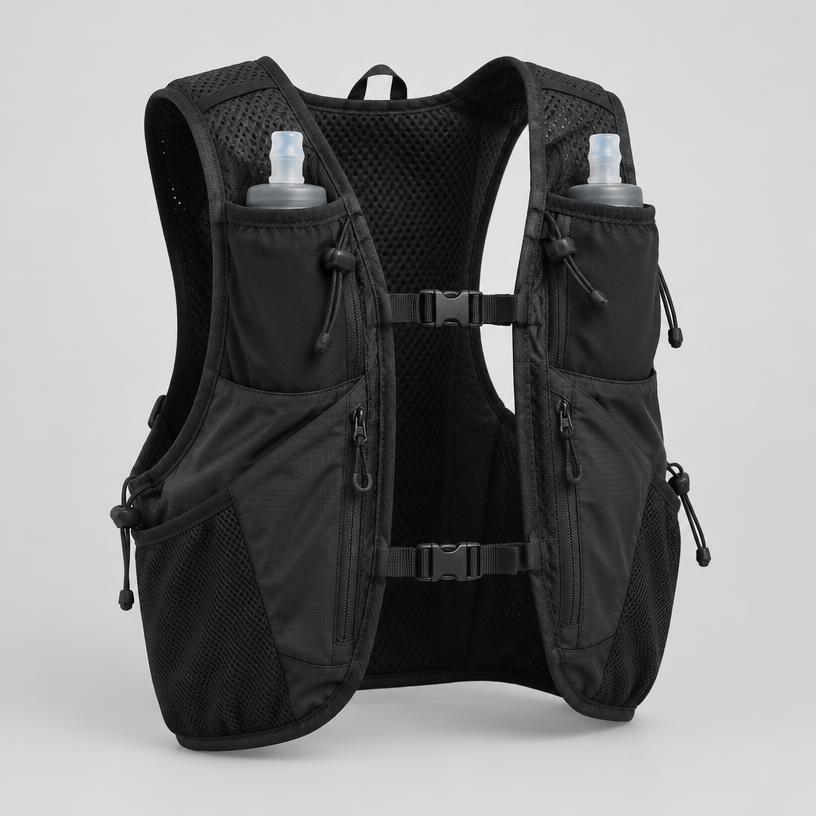 Trail running vest — £48
 Merino running socks (3 pack) — £24
Add the vest please.
Added. Ready when you are.
Basket
- Trail running vest — £48
Continue to secure checkout
Your dashboard
4 shoppers are waiting
What Tyson does
- Recommends only products in your catalogue
- Filters by budget, size, fit and specification
- Builds a basket and hands off to your checkout
- Suggests sensible add-ons
What Tyson never does
- Invents products, prices or stock
- Takes payment inside the chat
- Bypasses your checkout price checks
What your team sees
- Orders the agent helped complete
- Revenue linked back to each conversation
- Abandoned checkout alerts
Set up in three steps
- 1Connect your website — WooCommerce, Shopify or any custom site.
- 2Pick your business type. AutoTill suggests the right capabilities.
- 3Switch capabilities on or off any time. Tyson, your menus and alerts follow.
Questions
- Which shops does selling work with?
- WooCommerce through the free WordPress plugin, Shopify through a theme install, and custom websites through one script or the Developer API.
- Does Tyson take payment?
- No. Tyson builds the basket and hands the shopper to your own checkout, where your normal payment and price checks run.
- Can I sell and take enquiries at the same time?
- Yes. Switch on both and Tyson offers a basket for products and an enquiry for anything that needs a quote.